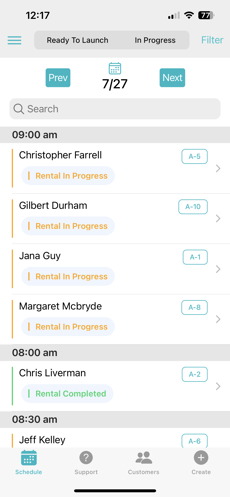
Step 1: Tap on the renter's name on the dashboard
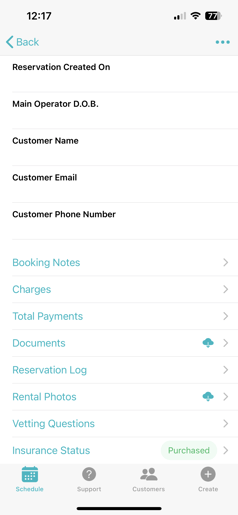
Step 2: Scroll to the bottom and tap "insurance status".
If the status says "none", that renter did not purchase a policy. If it says "pre-selected", they chose a policy during registration, but it hasn't been bound yet. If it says "purchased", they purchased and paid for a policy.
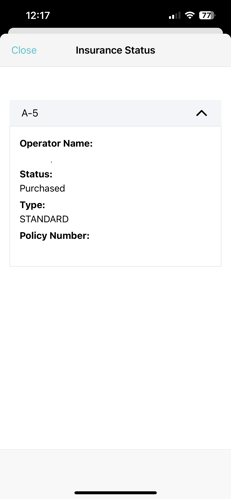
Step 3: Open the drop down menu to see which policy was purchased.
There are 3 policies: basic, standard, and comprehensive. The coverages and prices vary on your company's insurance configurations.