In the Web App:
1. Go to the Dashboard and locate the reservation you would like to edit
2. Click Actions to the far right of the reservation bar
3. Select "View Reservation" In the drop down Menu
4. Select the "Edit Reservation Information" button

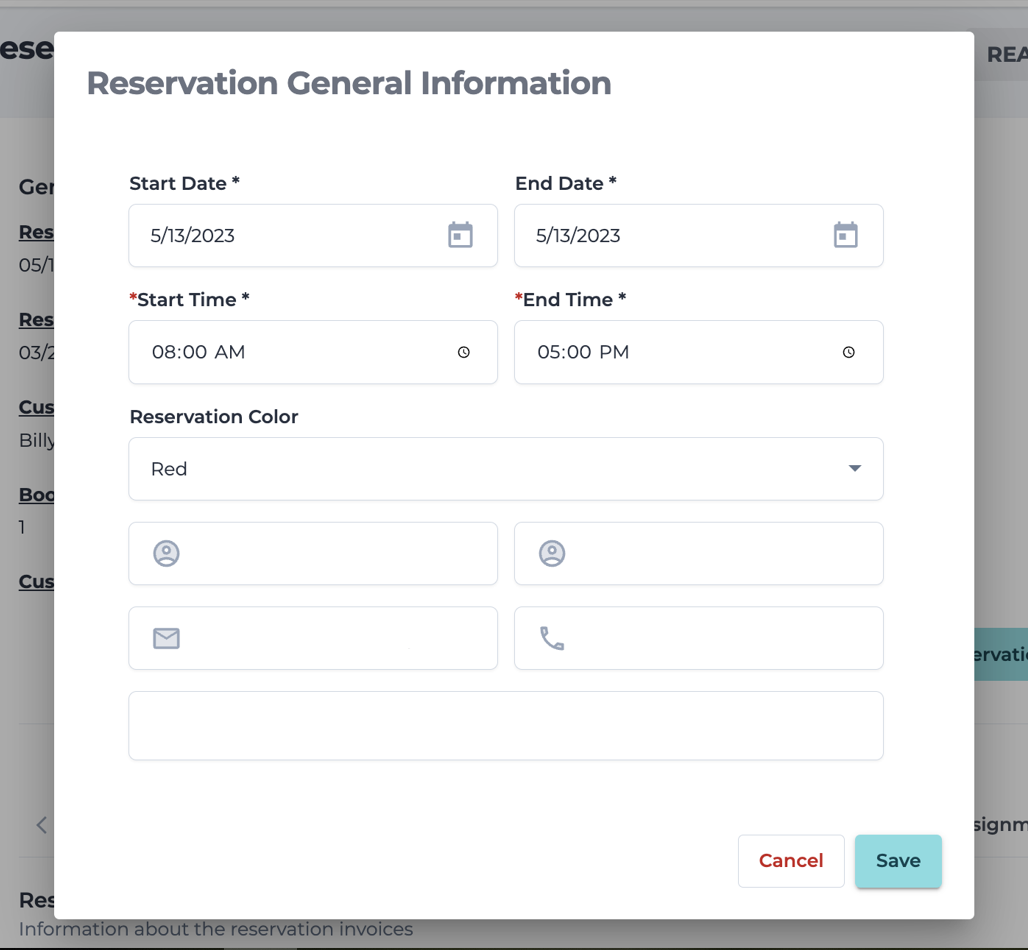
5. When you click on that button, it will take you to a window where you can edit or update the reservation information!