
Step 1) Select renter by clicking on name.
Step 2) Click "View Details".
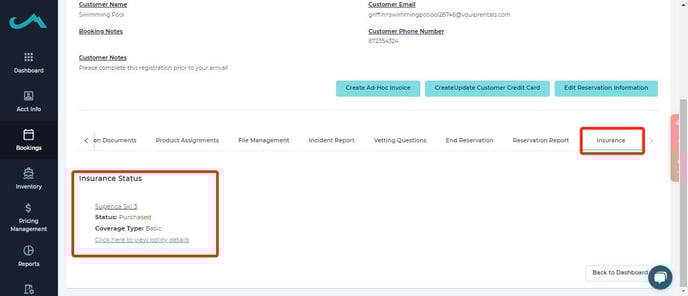
Step 3) Scroll down to "Insurance" and select it.
Step 4) Click "Policy Details".
Here you will be able to see the Policy # and which policy/coverage was selected.
This information can also be found in the web app. To access the information through the web app please follow these steps.
Step 1) Click "Actions" beside the name of the renter.
Step 2) Click "View Reservation".
Step 3) Select "Insurance".
Step 4) Click "Policy Details".
-1.png?width=688&height=296&name=image%20(1)-1.png)