
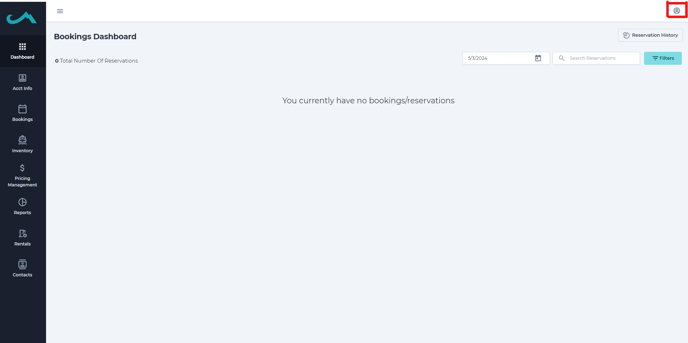
Step 1) On your desktop admin access click the icon in the top right corner.
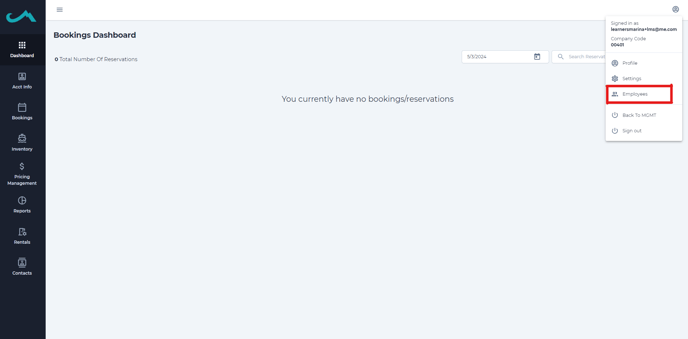
Step 2) Click "Employees".
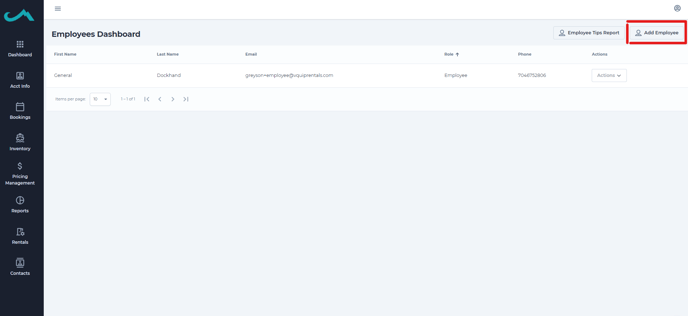
Step 3) Click "Add Employee".
Step 4) Insert employee information.
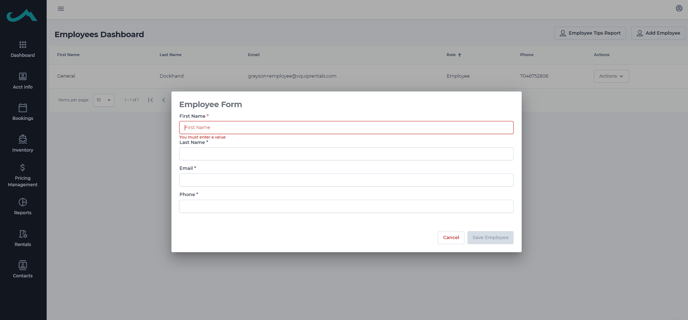
Adding these employee names will now allow employees to assign themselves to the part of the process they compete.
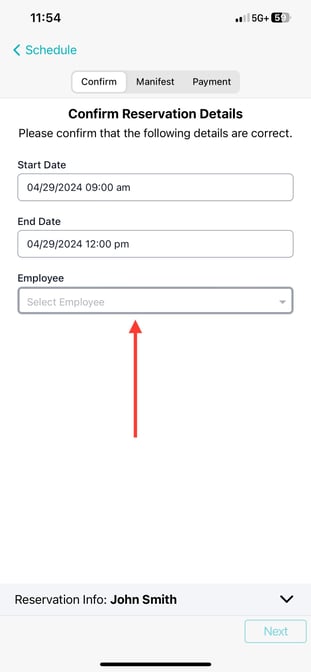
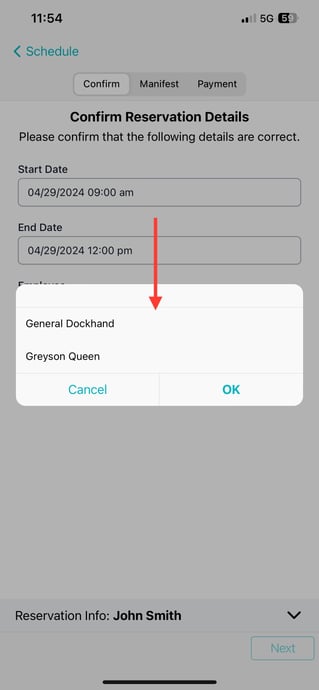
This way, in case of an incident, we can make sure we can work with the employee to get all the details and information related to the rental.
It is also helpful if employee tips are facilitated through our system. We have the ability to run tips reports and track which employees are doing a thorough job.