- Head to your Dashboard in your admin account
- Click 'Actions' on the reservation that you want to cancel and refund
- Click 'Refund & Cancel'
- You will be taken to a 'refund' page, where you will be able to issue partial or full refunds on each invoice that is tied to that reservation.
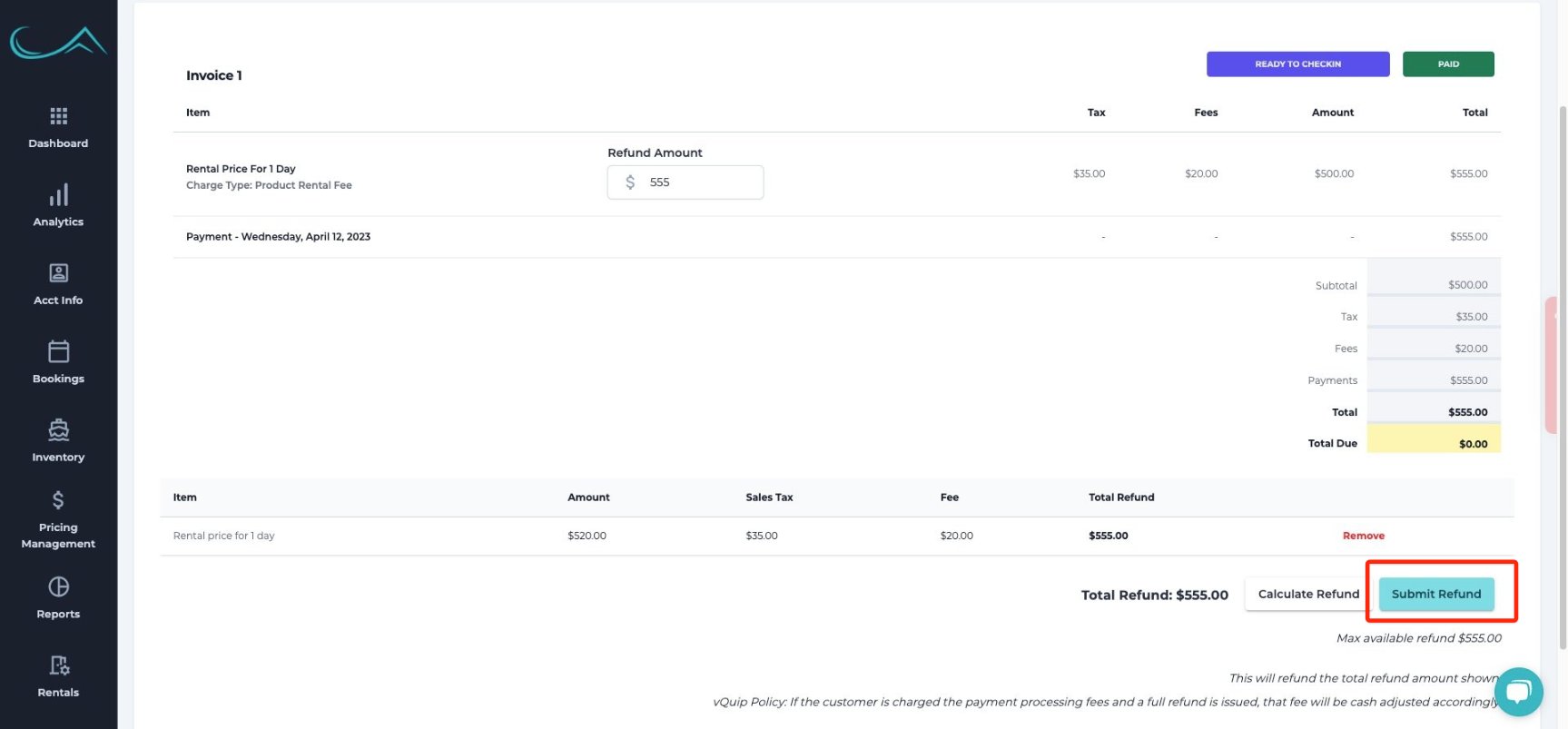
- Click 'Calculate Refund' to add a refund item to the total refund
- If you want to customize the refund amount, click into the 'Refund Amount' field to update the amount being refunded
- The sales tax and fees get auto-calculated, so need to factor that into the partial refund amount!
- You can then see the 'Item' that you are refunding in the line item list
- When you are ready, click the 'Submit Refund' button in the bottom right!
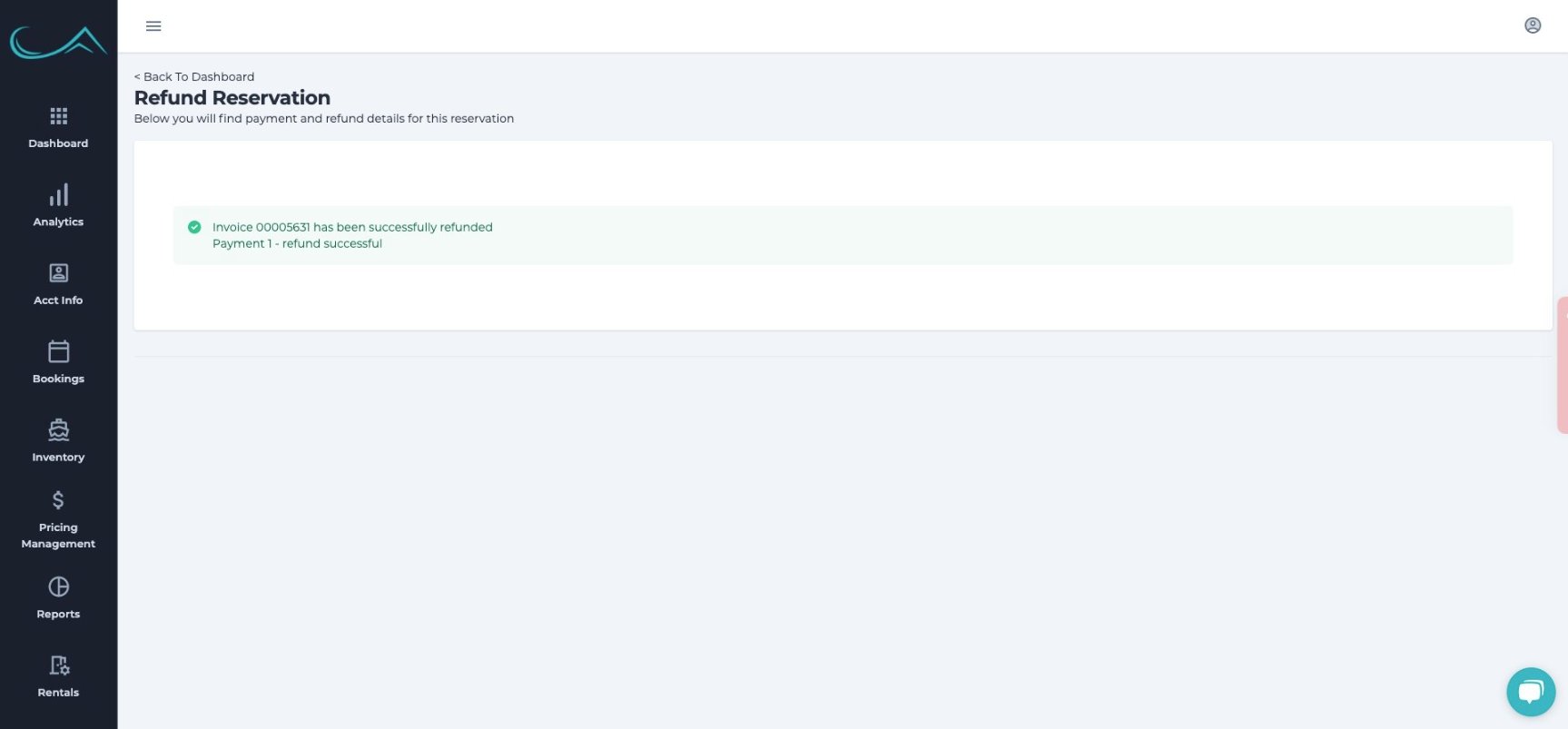
- The reservation is now cancelled and refunded!